

Apple
Marcom: NPI
Product imagery for launch surfaces, and the scripts that kept a batch consistent.
The problem
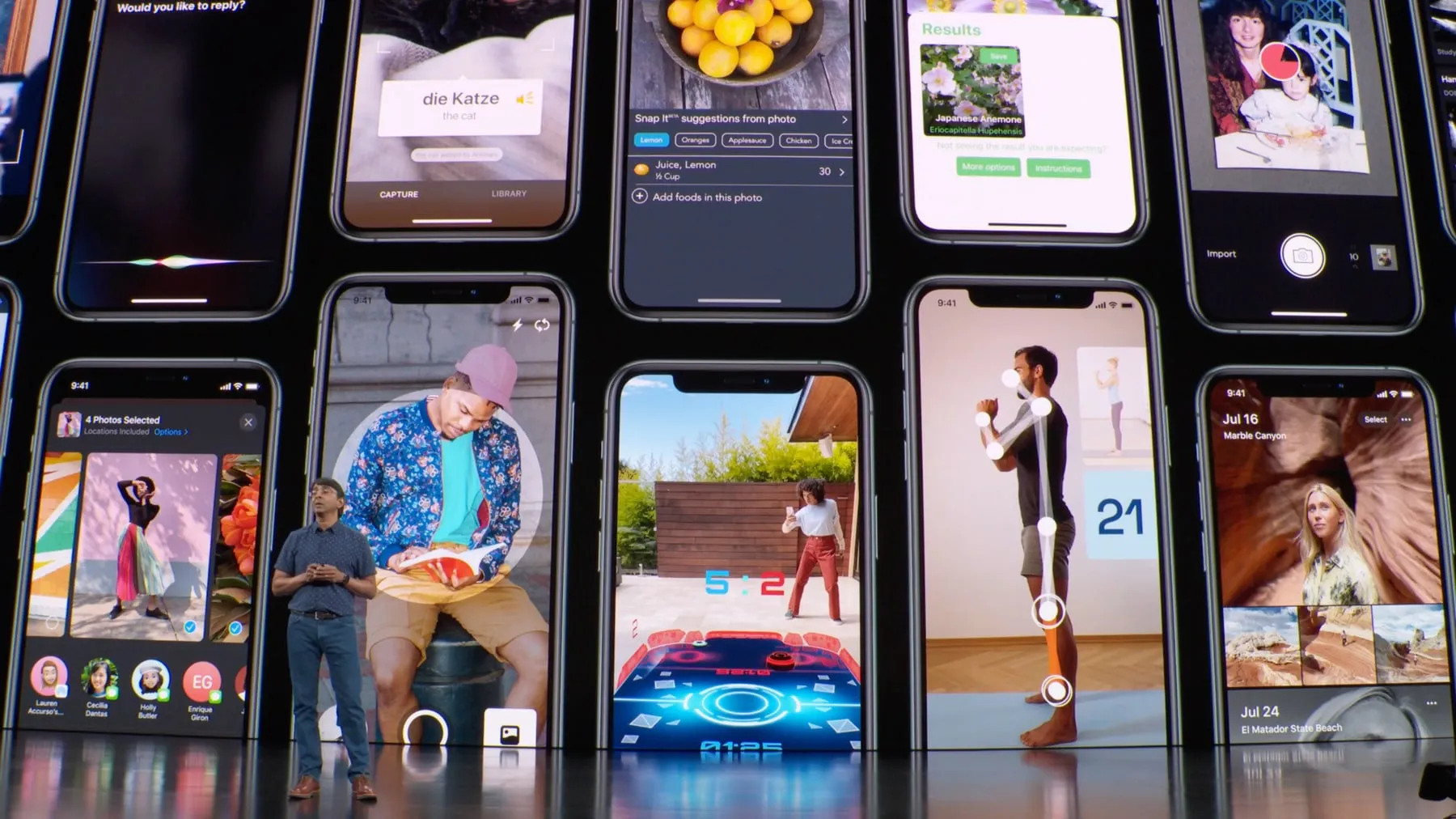
Every launch surface draws on the same library of product images. A hero shot on apple.com, a slide on the Keynote stage and a WWDC session graphic can all trace back to one file.
Each one has to hold up at whatever size a viewer meets it.
At that scale a soft edge or a mismatched highlight isn’t a small defect. It’s visible to millions, and it makes a family of devices look like unrelated photographs.
What I did
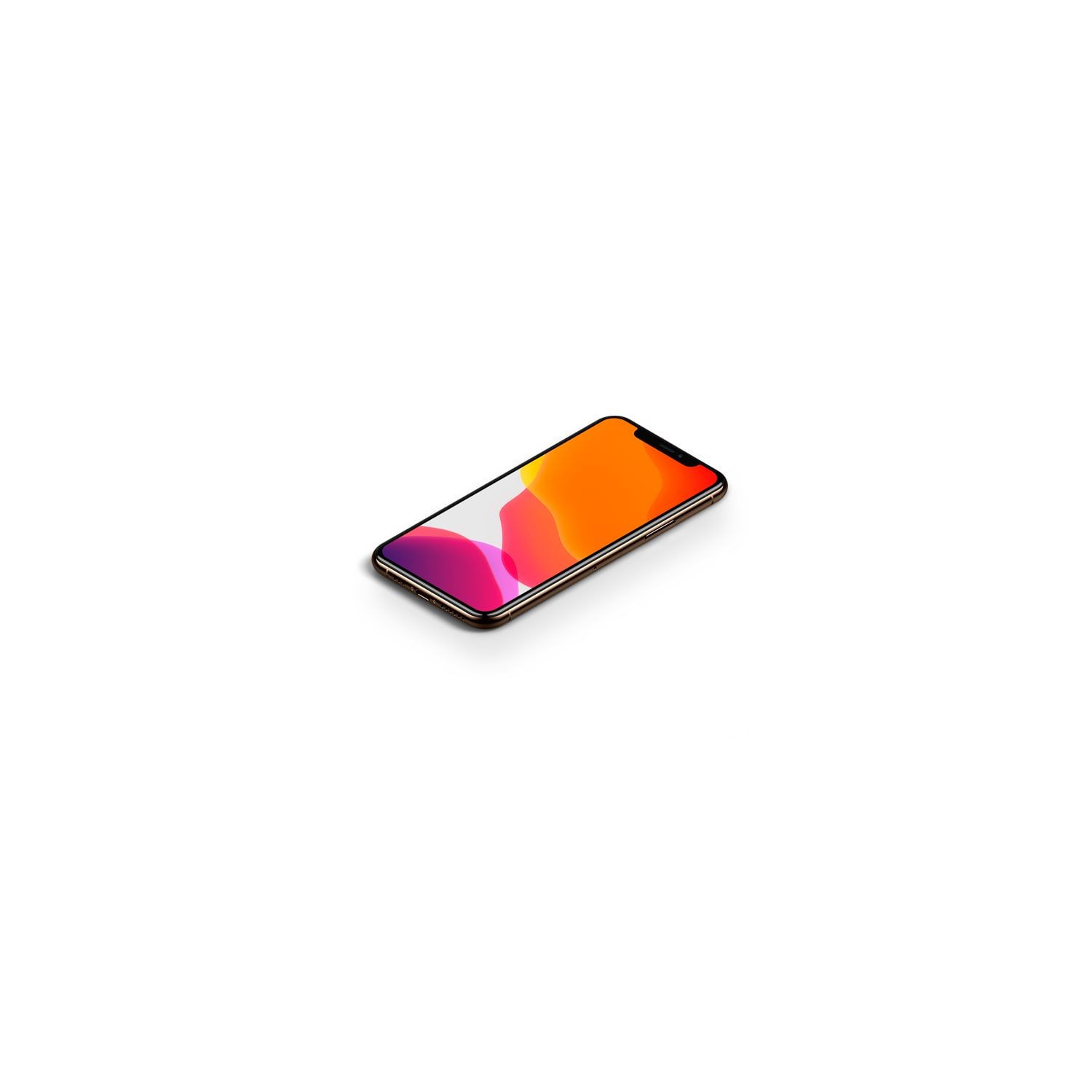
I worked as part of the production team on the product image assets used across those launches, including iPhone 11 and 11 Pro and the 15-inch and 16-inch MacBook Pro.
The work is pixel-level: reconciling highlights, edges and reflections across a device family so they read as one system rather than separate shoots.
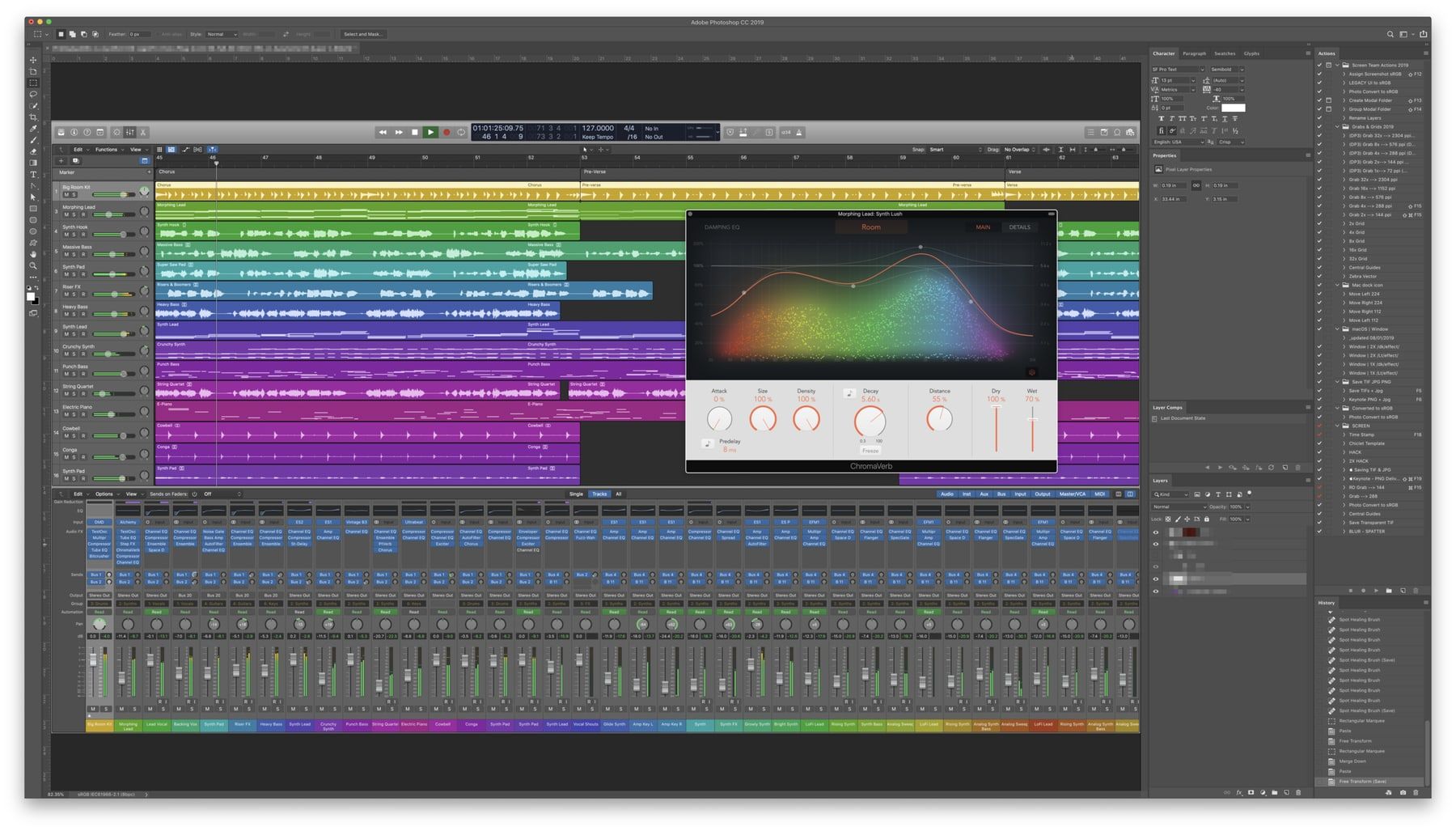
The repetition is the real problem. The same corrections recur across dozens of files, and doing them by hand invites drift, because the twentieth file stops matching the first.
So I built Photoshop Action scripts for the steps that repeated. That turned a per-file judgment into a batch operation, and made consistency the default instead of something to police.
Outcome
The assets shipped across apple.com, the 2019 Keynote, and WWDC20 product launches, in the quarter Apple reported a record $67B. Everything shown here is from published, publicly released material.
More work
All work ProductDesign systems
LinkedIn
Internal tools for the Workplace team: a homepage rebuild, a template, and an accessible newsletter.
 LockedProductApple
Operations: Global Sourcing
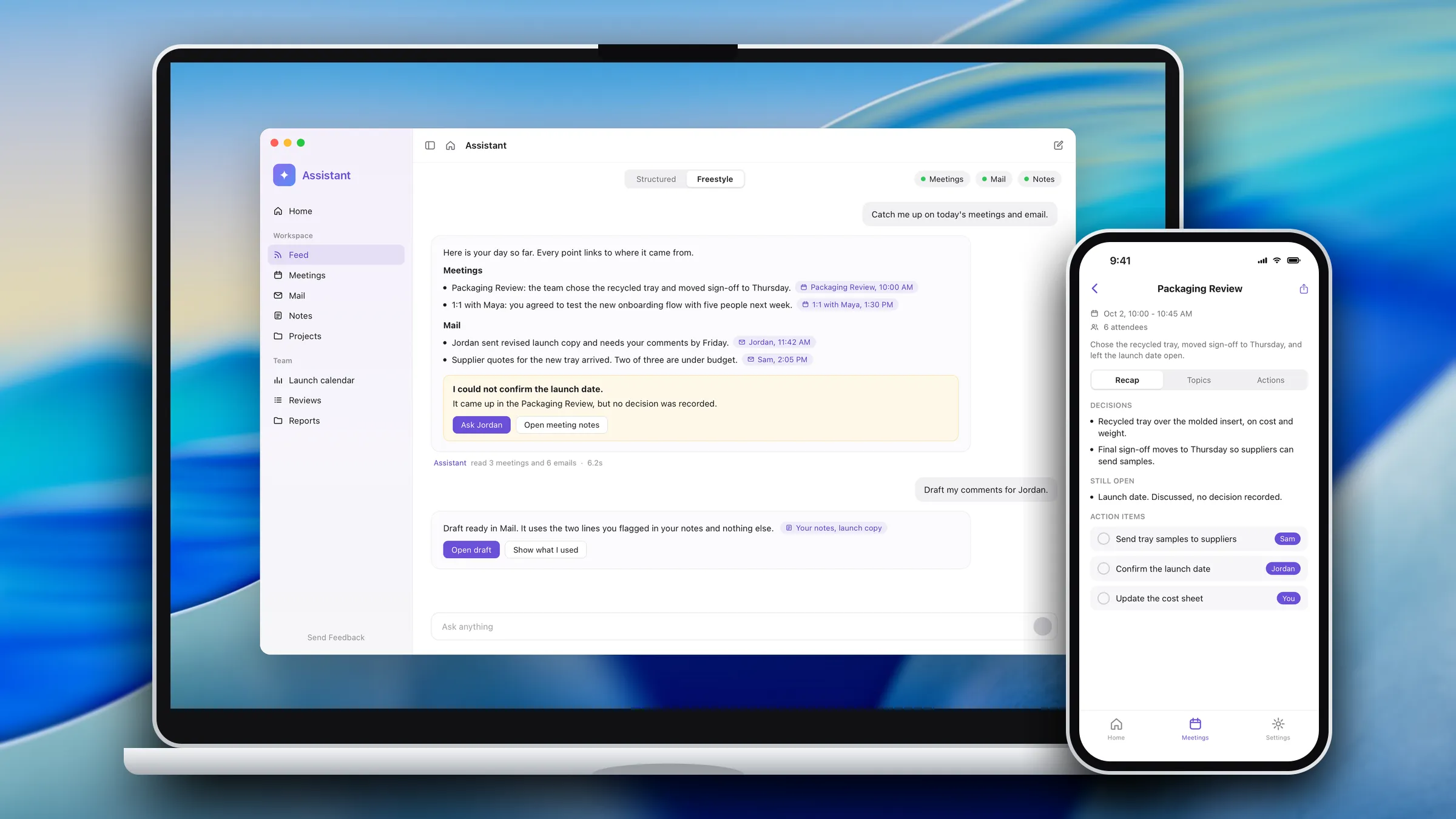
An AI meeting assistant that gives sourcing teams their time back.
 LockedProductApple
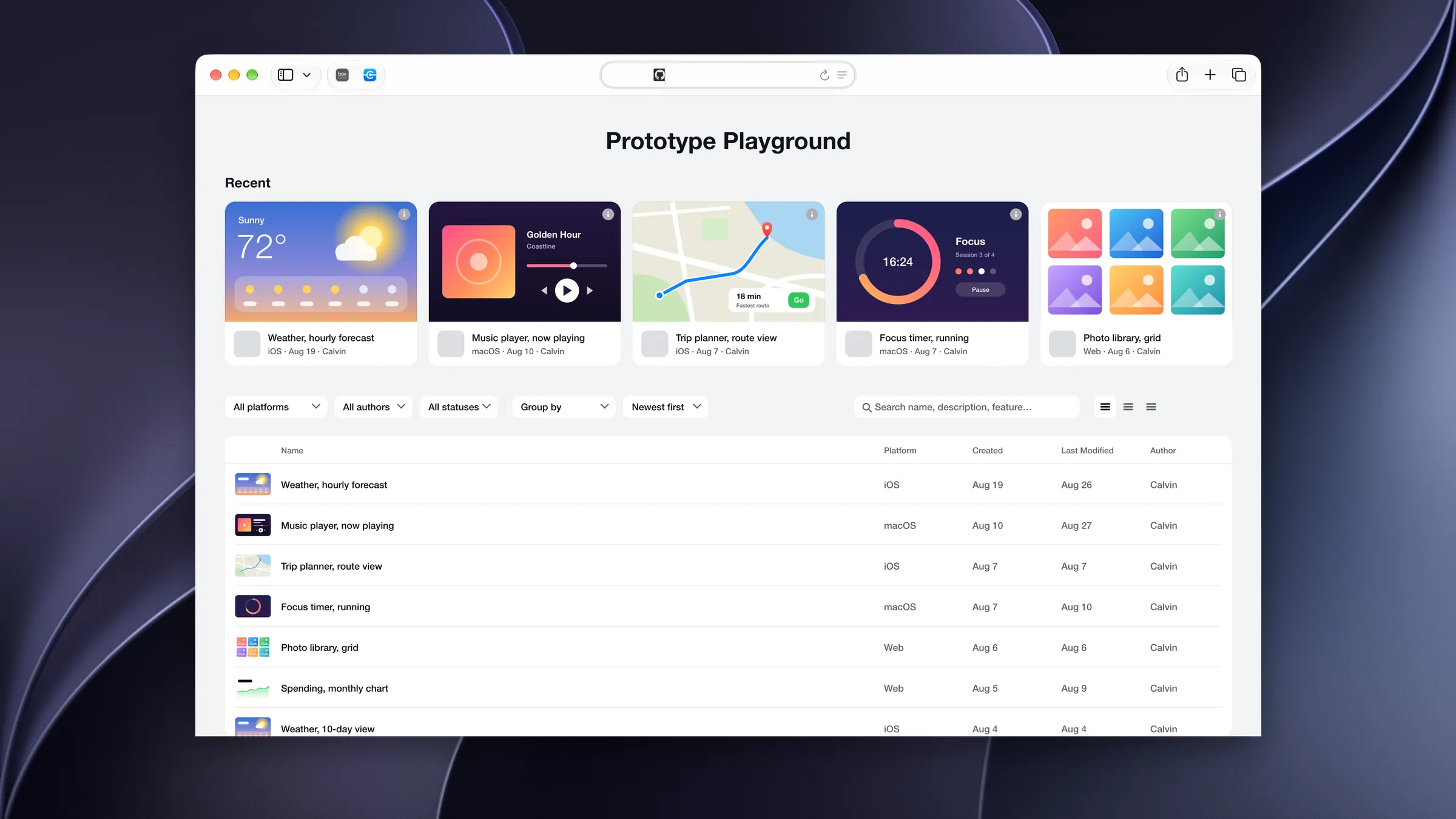
Design: Prototype Library
A central library for my product team's prototypes, where each new one starts from a shell we keep current.